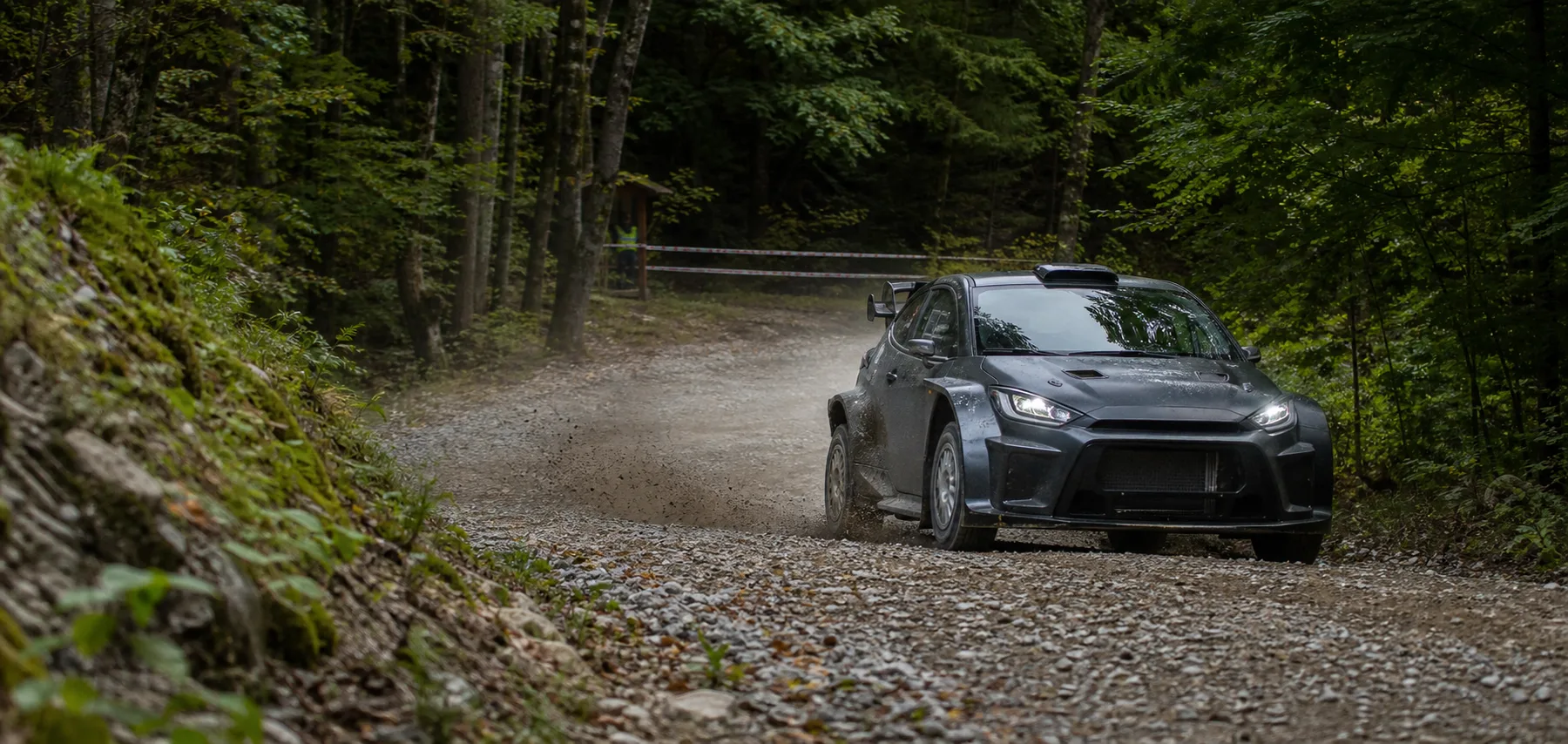
Off-road recordings often end up at one of two extremes: a short exciting clip with no route context, or a complete long video in which the important event is difficult to find again.
Begin a long-route review with two direct data entries.
Top speed locates high-speed passages and open terrain. Peak G points to drops, holes, compression and impact. Camorace Max locks both to GPS route and panoramic video on one time reference.
Selecting a metric does not leave the viewer at an isolated number. Playback returns to the surrounding sequence so route choice, driver input and vehicle attitude remain visible.
Synchronise the drive
Panoramic video, route, speed and G-force record together.
Choose the priority
Begin with top speed or peak G according to the review task.
Keep the context
See the line before the impact and the vehicle response afterwards.
Prepare the clip
Move the key section into an adjustable trim timeline.
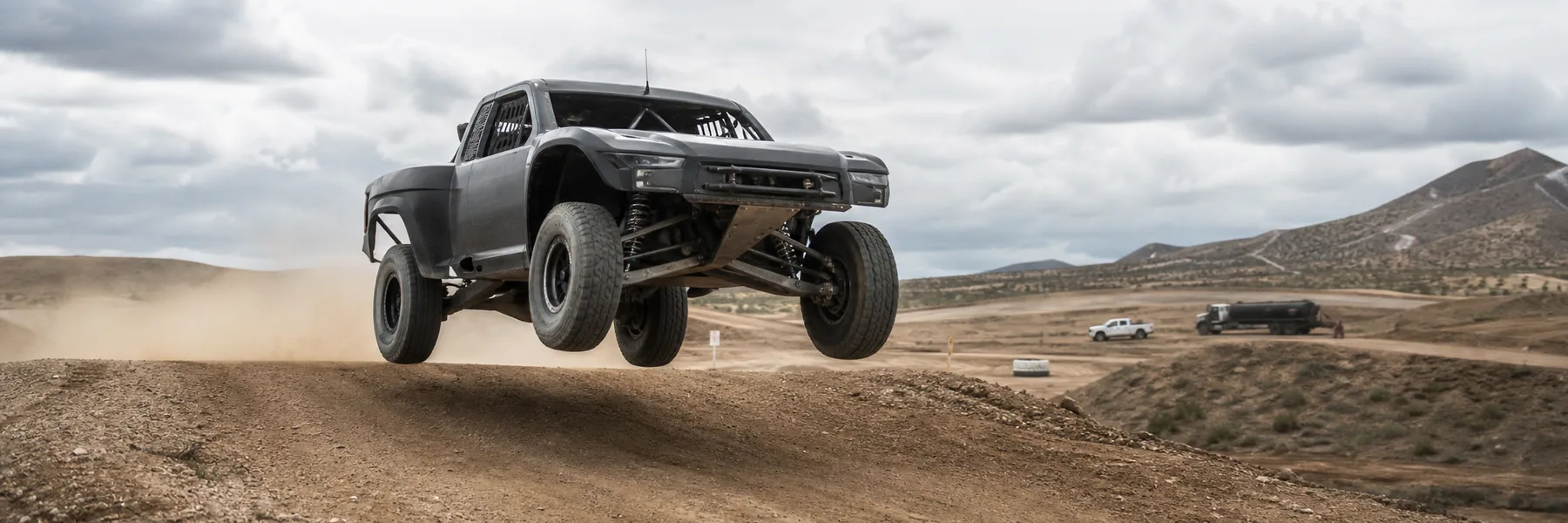
Keep the moments before and after the impact.
Peak G can come from a landing, lateral hit or hard braking event. Panoramic video and route separate these possibilities and turn a peak into an explainable driving event.
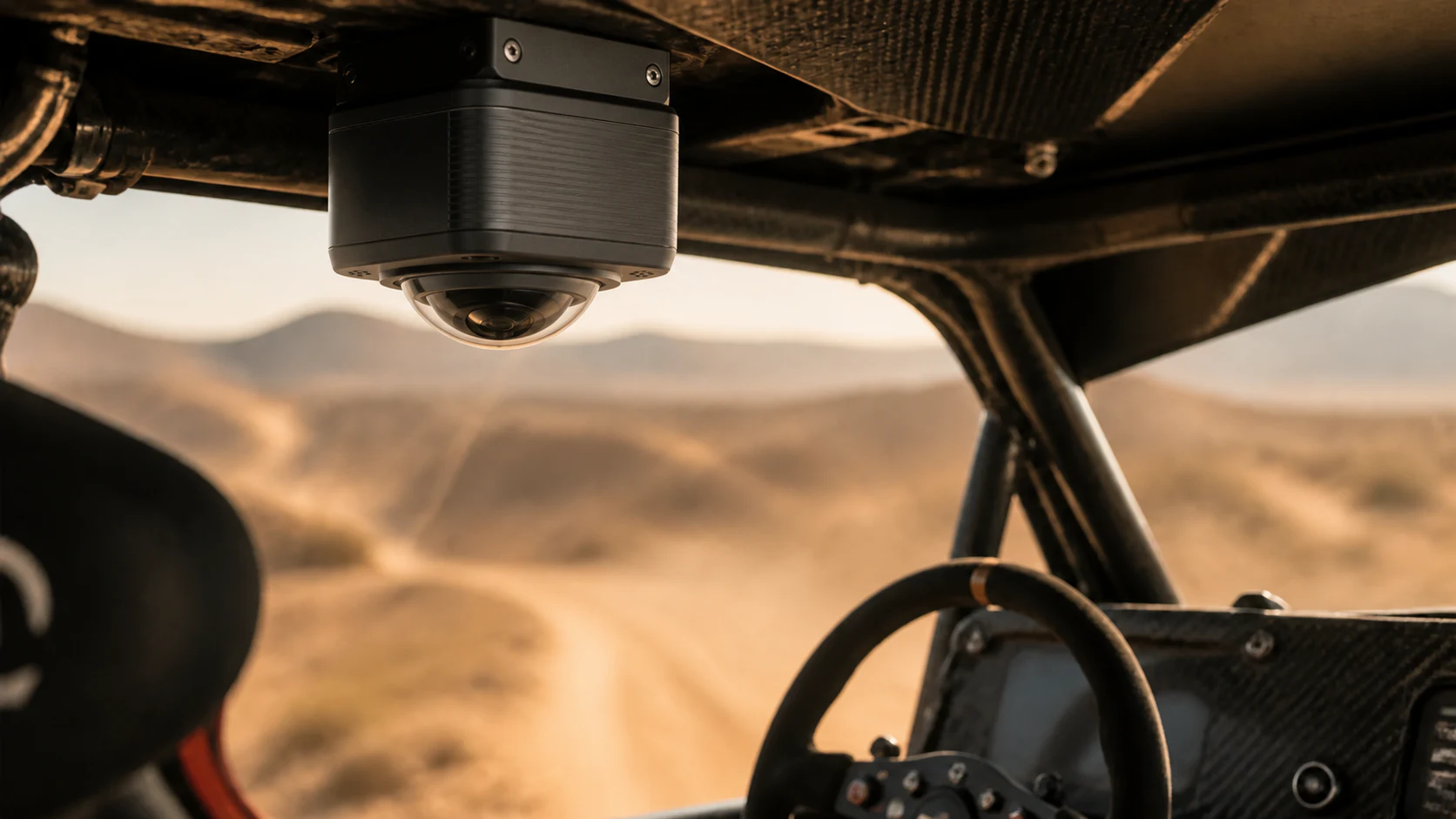
Lens-down installation reduces obstruction from the roof structure while keeping the camera body and mounting hardware above the lens.
For review and continuous event recording.
Complete video, route and load data support driving review and can provide a more continuous event record when needed. Public use must still follow event rules, privacy requirements and applicable road laws.