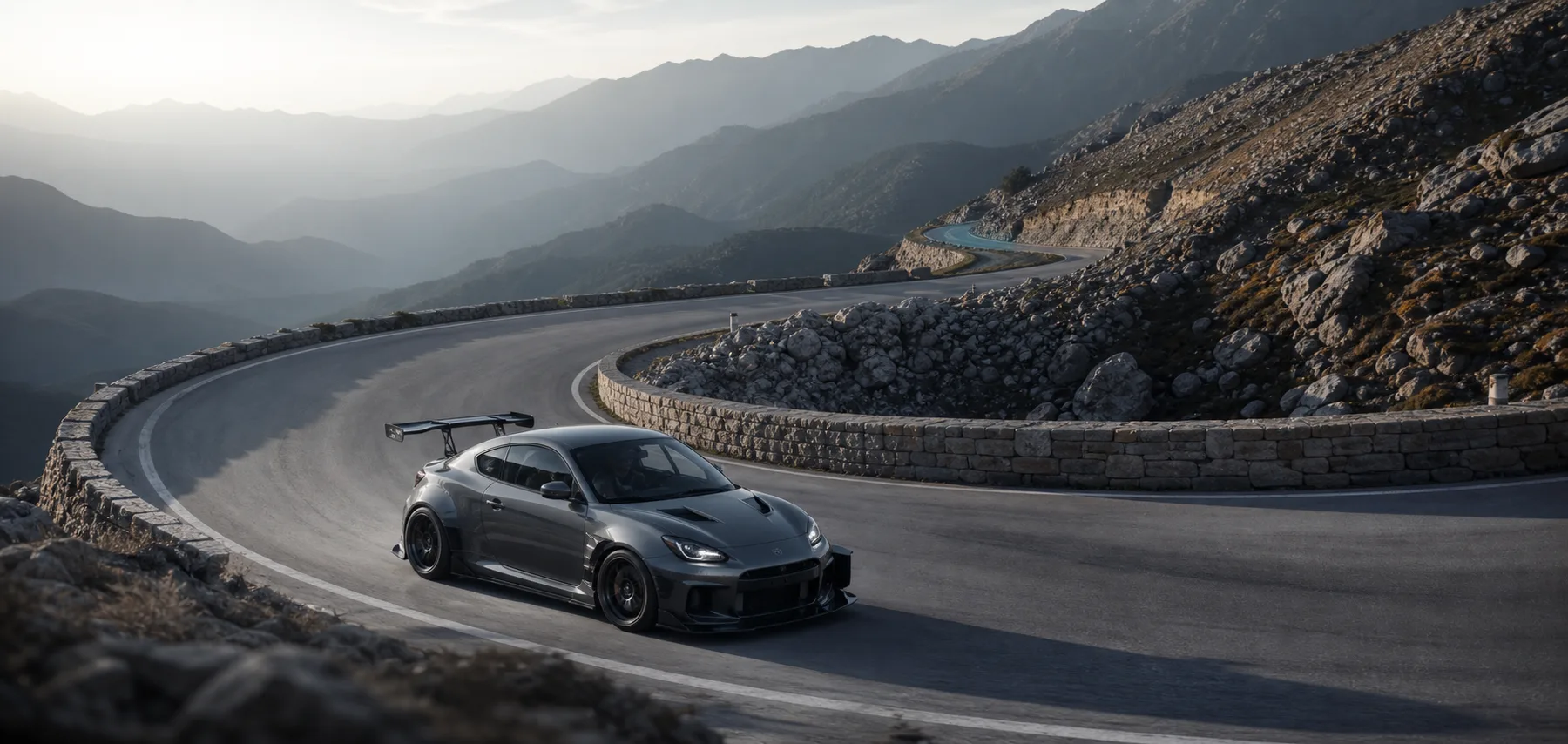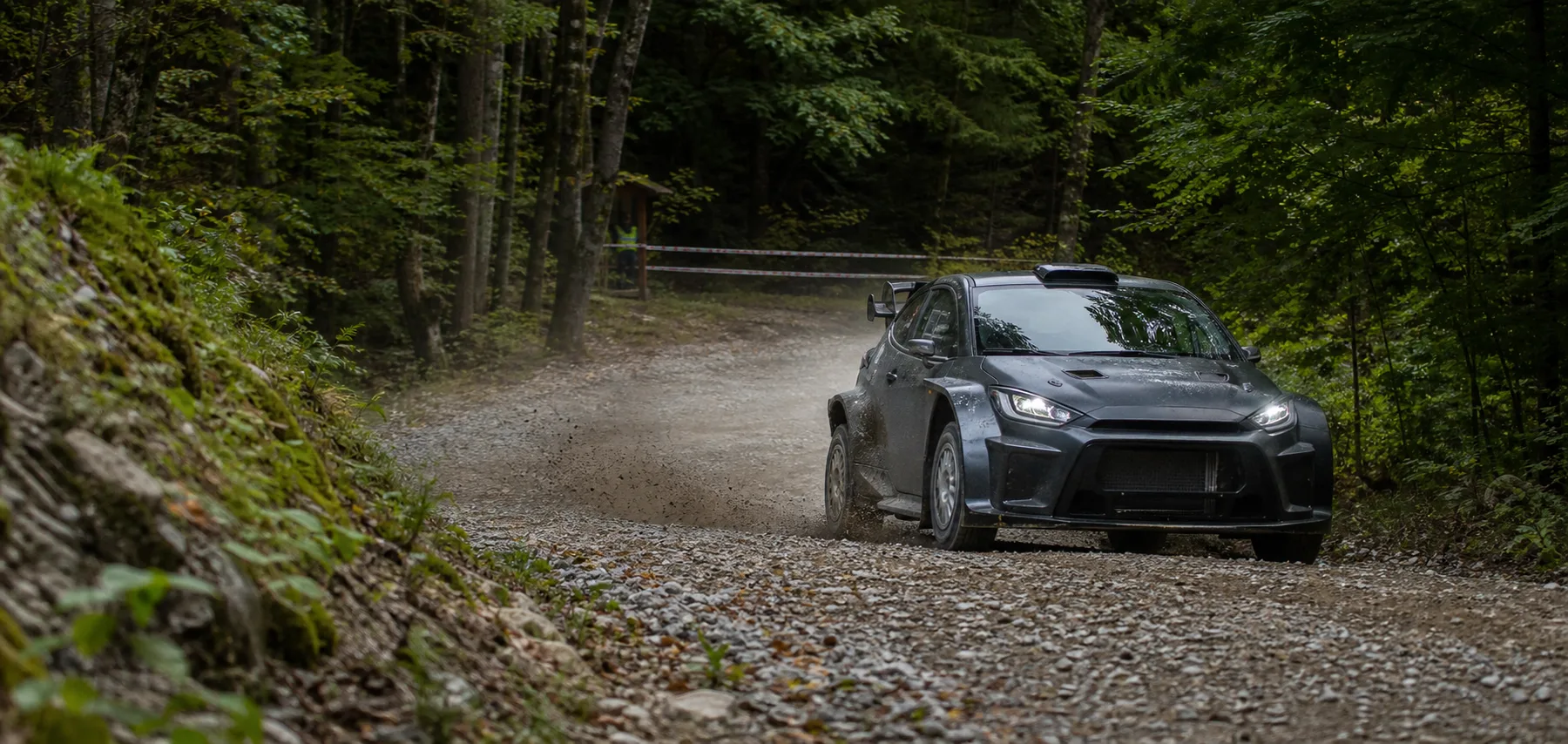
A rally stage is long and its surface, speed and rhythm keep changing. Finding one high-speed pass or one severe impact from memory can mean scrubbing through the entire recording repeatedly.
Move from top speed or peak G to the exact road section.
Camorace Max records panoramic video, GPS route, speed and G-force in synchronisation. Select Top Speed and playback moves to the speed peak; select Peak G and it returns to the moment with the strongest load or impact.
The data is not decoration over the picture. It is an index into a long stage. The timeline prepares the surrounding clip while keeping its start and end adjustable before export.
Record the full stage
Video, speed, route and G-force stay aligned from start to finish.
Create key metrics
Top speed and peak G become two direct entrances into the recording.
Select the data
Playback and route position return to the road section immediately.
Prepare the moment
The surrounding sequence is selected for review or export.
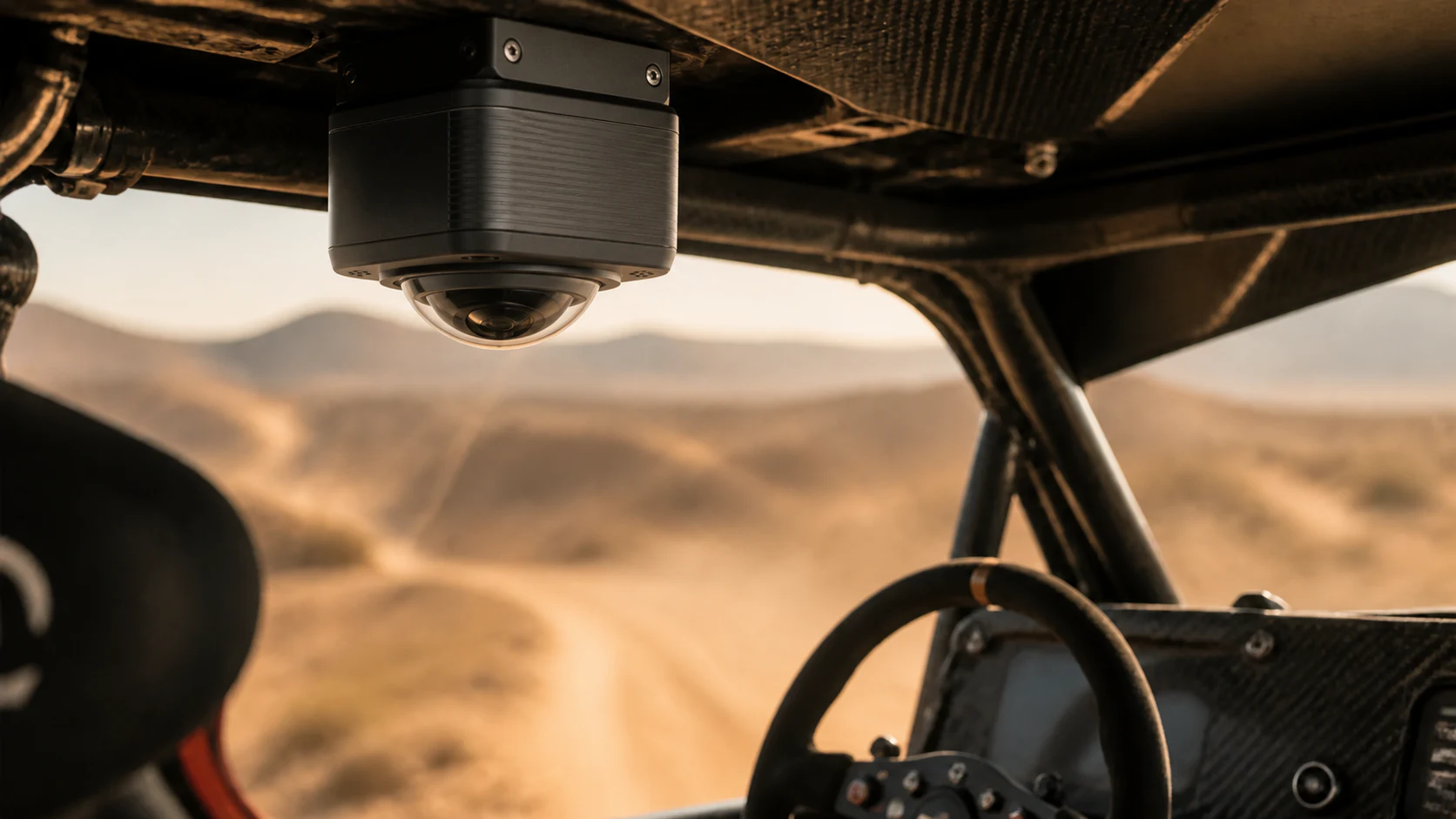
A peak only makes sense when it returns to the route.
The same top speed can come from very different surfaces and decisions. Returning it to the video, route and surrounding seconds reveals whether it followed a long straight, a descent or a corner exit. Peak G likewise needs the context of compression, braking, impact and vehicle attitude.
Panoramic footage lets the driver choose a new viewing direction after the stage, preserving the relationship between co-driver actions, road environment and vehicle movement.
One time reference for driver, co-driver and engineers.
A shared timeline lets every role discuss the same moment quickly: the driver explains an input, the co-driver checks rhythm, engineers relate load to route and vehicle state, and the content team prepares output from the same original.