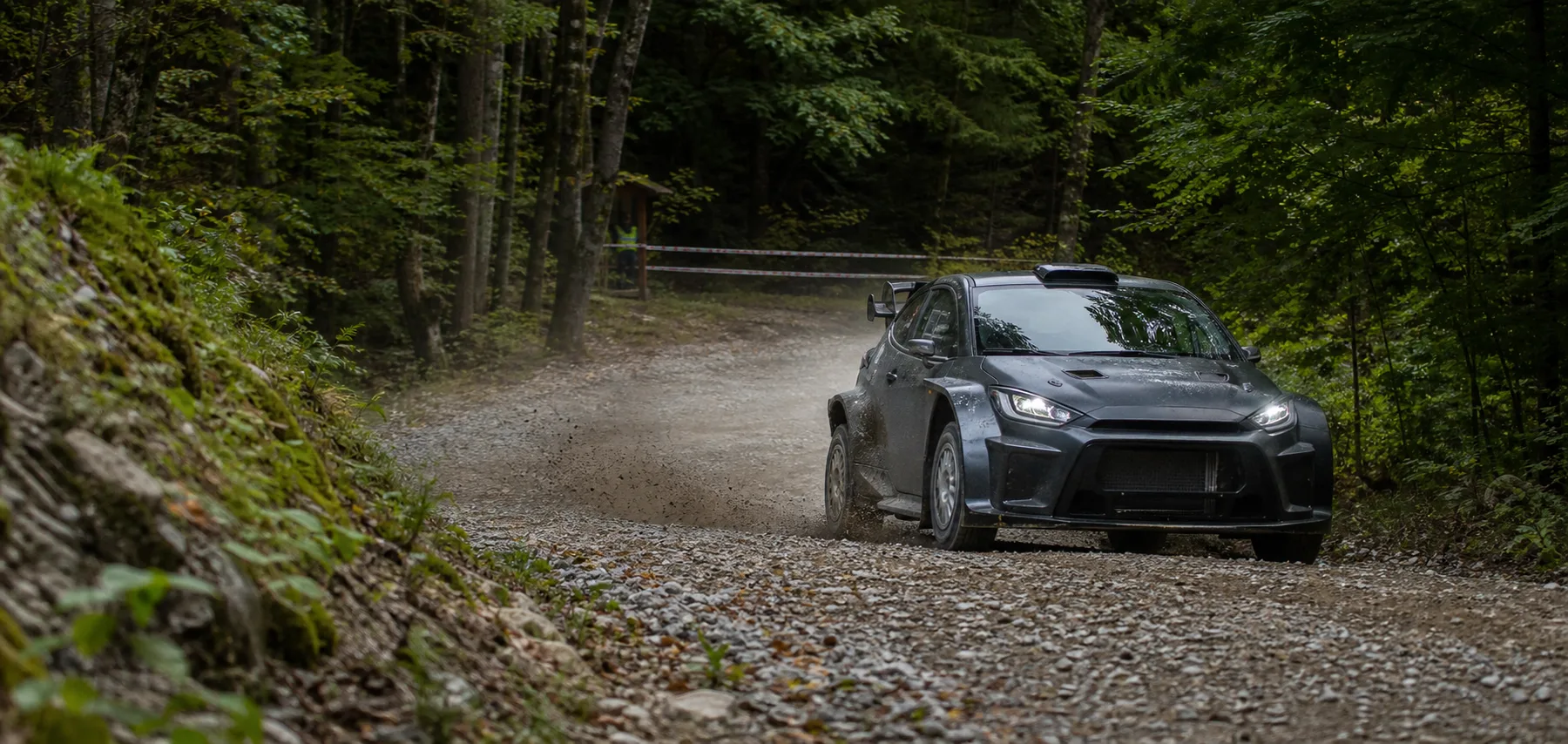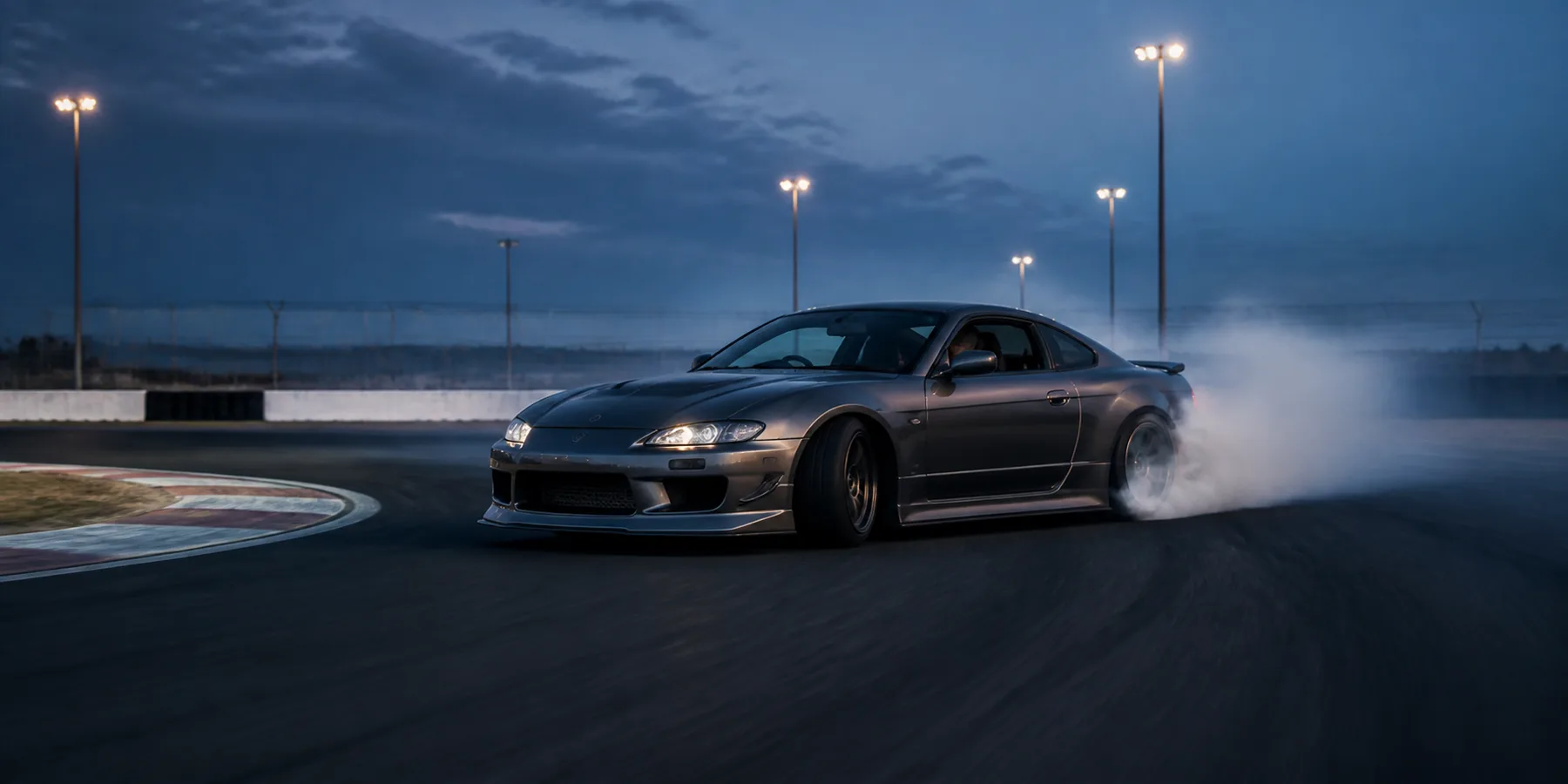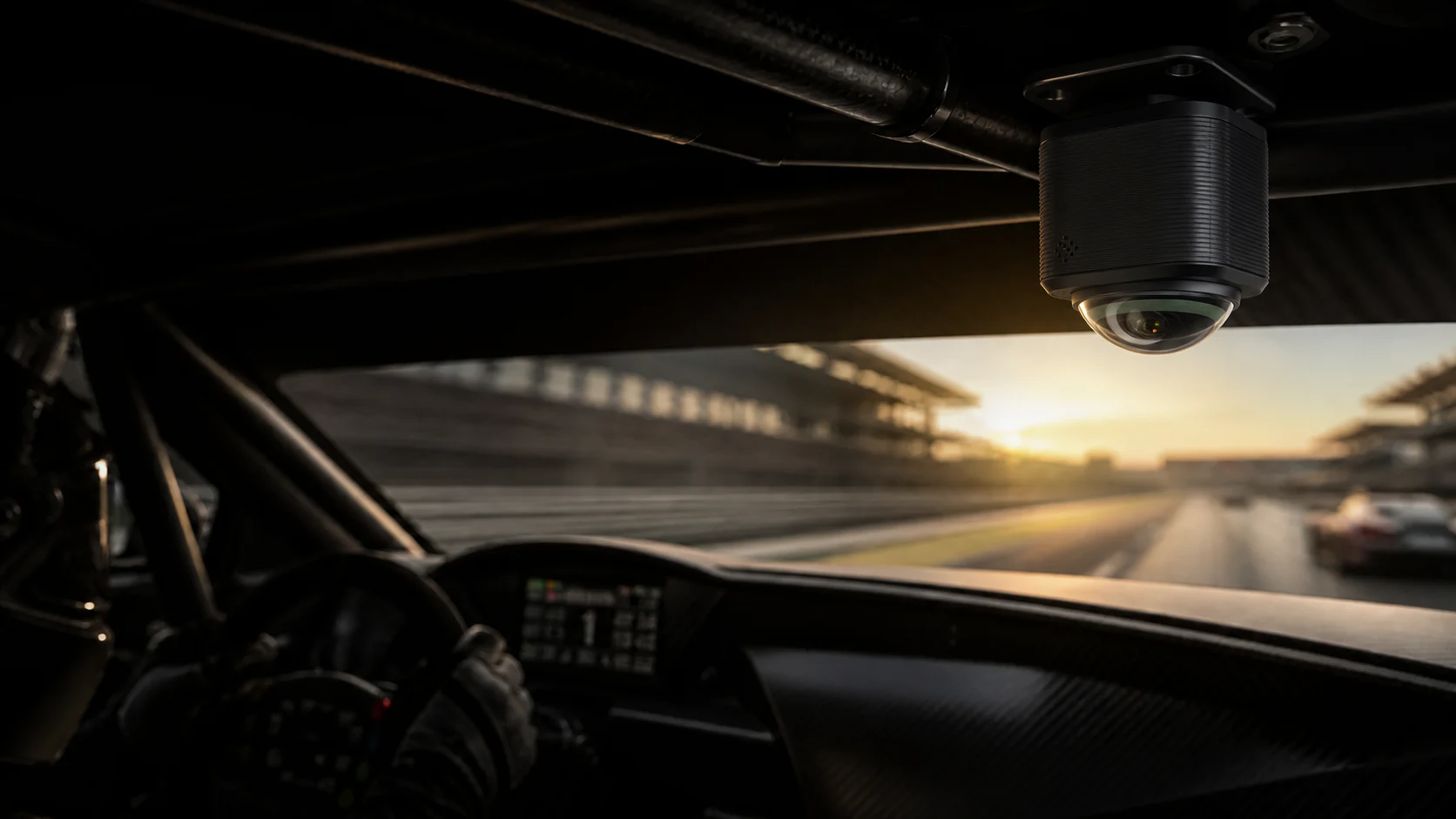
A thirty-minute practice session may contain more than a dozen laps. Recording is easy; repeatedly scrubbing through video to guess where the fastest lap begins and ends is the part that wastes time.
Move from the lap time directly to the picture.
Camorace Max places panoramic video, GPS, speed and lap timing on the same timeline. Once the system identifies each lap, it creates an ordered lap list. Drivers can begin with the fastest lap or open any lap. The playhead jumps to the corresponding moment and the trim range selects that lap from start to finish.
This changes the core review action: instead of searching the timeline for data, use the data to find the video.
Record the whole session
Panoramic video and driving data stay synchronised from pit exit.
Build the lap list
Every lap appears in order and the fastest lap is clearly identified.
Select any lap
Playback moves straight to that lap without repeated timeline scrubbing.
Prepare the clip
Start and end points are preselected and remain adjustable before export.
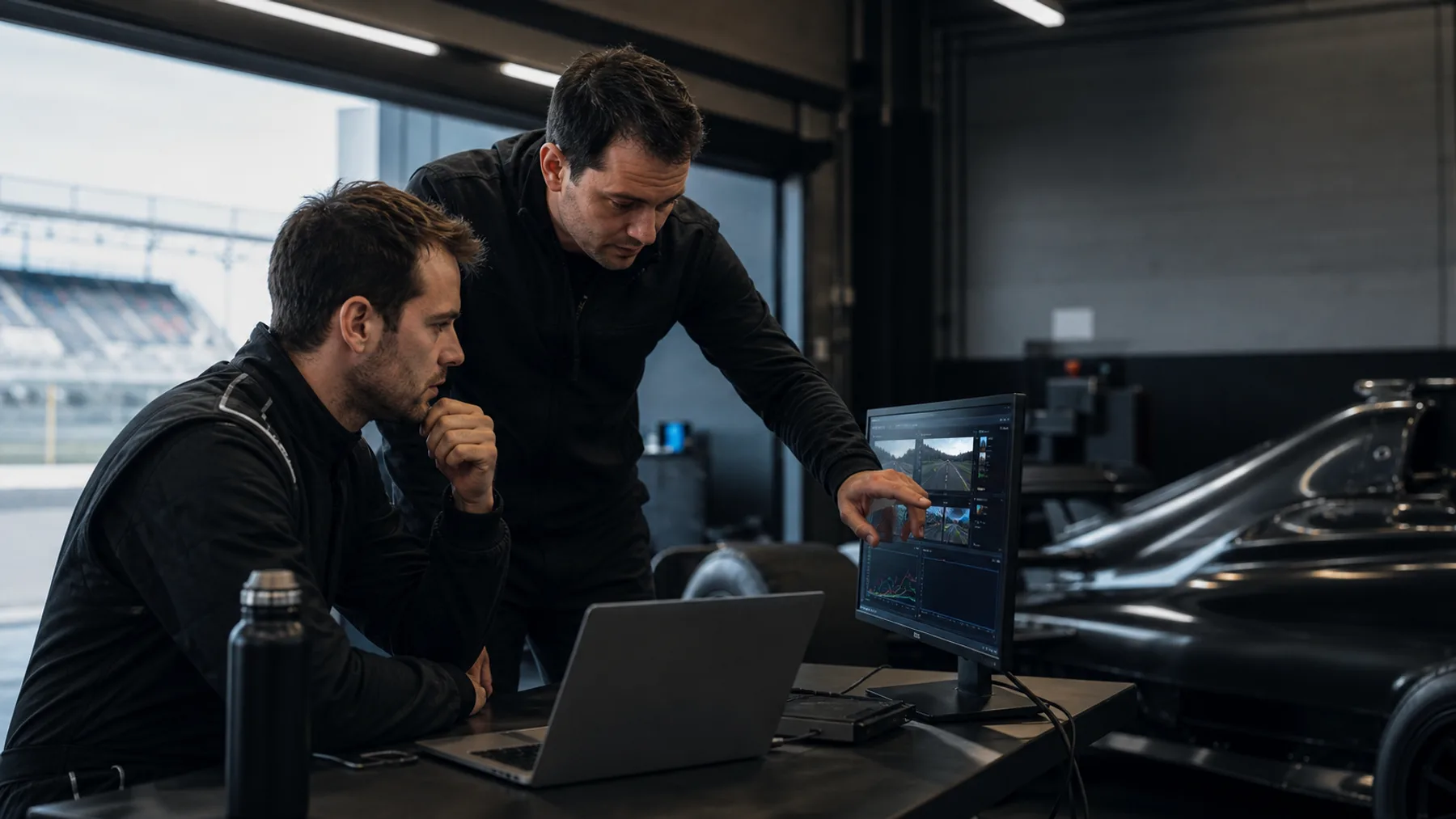
The fastest lap is for comparison. Any lap is for understanding.
The fastest lap establishes a benchmark, but improvement often becomes visible in the surrounding laps: a later braking point, earlier throttle application, traffic, tyre state or a change in rhythm. Any-lap access keeps those differences easy to review in sequence.
Panoramic recording preserves driver movement, apex position, nearby vehicles and the wider circuit environment. Choosing the view after the session reduces the chance that a fixed camera missed the important action.
From an individual track day to a team workflow.
Track-day drivers can trim and share a complete lap immediately. Professional drivers and teams can organise discussion around the lap list, allowing drivers, engineers and video staff to reach the same point quickly. The same segment logic continues when the panoramic original is opened on desktop.